You open an AI tool between meetings and type something like, “Summarise this,” “Write a project plan,” or “Help me improve this process.” The answer arrives quickly. It sounds polished. It may even be useful. But it is also a bit too broad, a bit too confident, and not quite grounded in the messy reality of your workplace.
That is where many people get stuck. They treat AI like a search box or a very enthusiastic assistant, then feel disappointed when the output is generic. The better approach is simpler: use AI like you would brief a project team member.
A good project brief explains the goal, context, constraints, source material and expected output. The same habit works well with AI. You do not need technical language. You need a clear working brief.
Why This Matters
AI is already moving into everyday knowledge work: meeting notes, project updates, service improvement ideas, stakeholder messages, policy summaries and risk logs. For project managers and health-service leaders, this creates a useful opportunity, but also a practical risk.
If the prompt is vague, the answer will often fill in gaps. It may assume the audience. It may miss governance requirements. It may turn a sensitive workplace issue into a bland communication plan. In health and public-service environments, that is not good enough. Even where the task is administrative rather than clinical, teams still need to consider privacy, transparency, human oversight, accountability and the quality of source information.
The Australian Government’s AI impact assessment guidance encourages teams to think about who may be affected, what data is used, what oversight is in place and how AI-supported recommendations will be recorded and validated. The OAIC’s privacy guidance also makes clear that privacy obligations apply when AI involves personal information. Those principles are not only for major technology projects. They are useful reminders for everyday workplace use.
The practical point is this: AI becomes more useful when you bring your professional judgement to the front of the task, not after the output has already gone sideways.
The Simple Concept: Prompt Like a Project Brief
Microsoft describes effective Copilot prompts as having four useful parts: goal, context, expectations and source. OpenAI’s prompt guidance similarly emphasises clear instructions, relevant reference material and breaking complex work into smaller steps. Google’s Gemini guidance also points people towards clear, specific prompting and practical use cases.
Project managers already know this pattern. Before starting work, you clarify what is being produced, why it matters, who it is for, what information should be used, what constraints apply and how the result will be checked.
So instead of asking AI a loose question, give it a small work package.
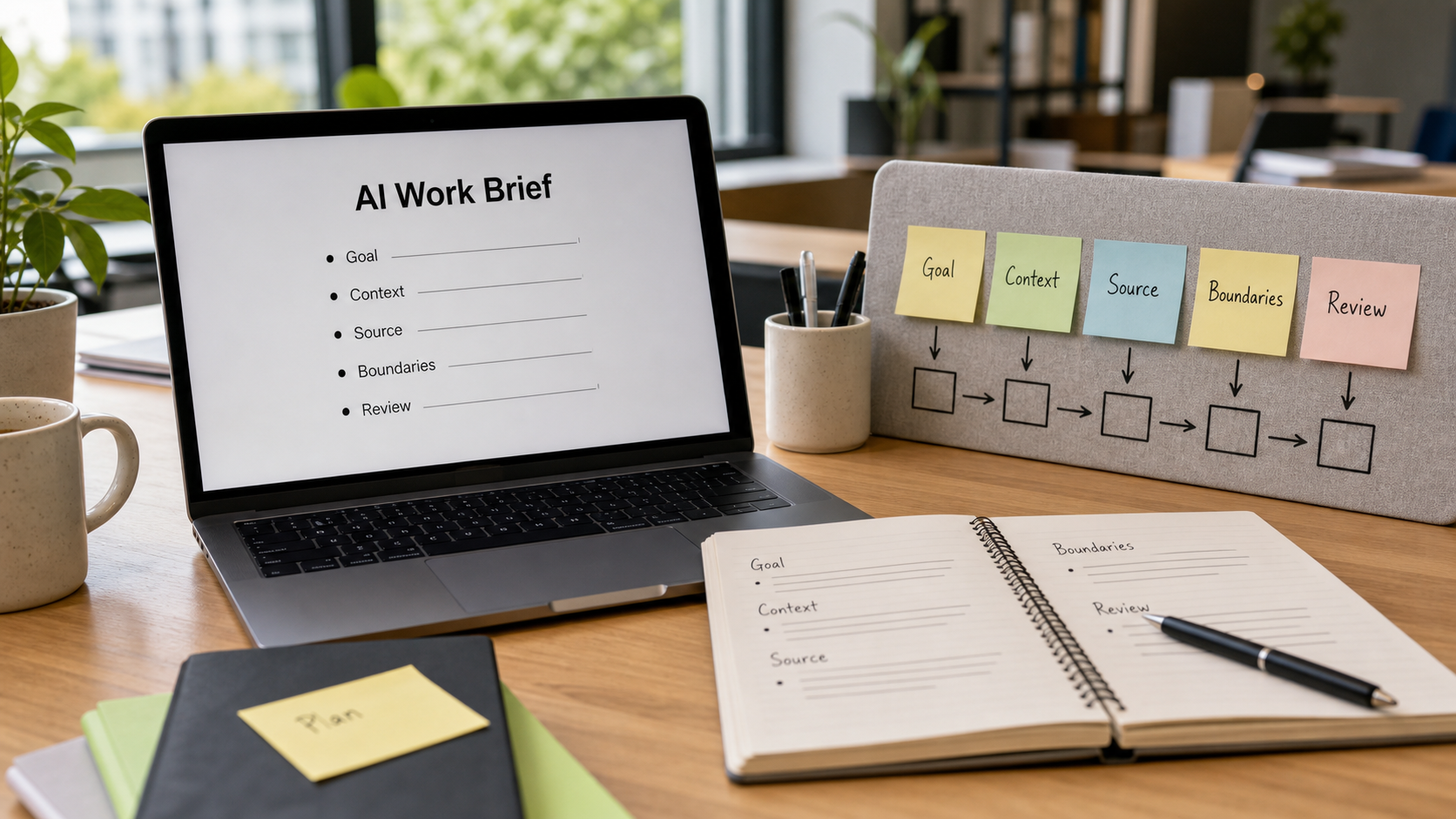
A strong AI work brief has seven parts:
- Role: What lens should the tool use?
- Goal: What do you need by the end?
- Context: What is happening in the workplace?
- Source: What information should it rely on?
- Constraints: What must it avoid?
- Output: What format do you want?
- Review: What should it flag for human judgement?
This is not about writing fancy prompts. It is about giving AI enough structure to be genuinely useful.
A Step-by-Step Method You Can Use
1. Start With the Workplace Decision
Before opening the AI tool, write one sentence: “The decision or action I need to support is...”
For example: “The decision I need to support is whether our team should change the weekly intake process for service requests.”
This keeps the work grounded. AI can produce many things: summaries, options, risks, messages, checklists. But you need to know what action the output is meant to support.
2. Name the Audience
A project sponsor, frontline manager, executive group and working group need different levels of detail. Tell the AI who the output is for.
For example: “Write this for a busy service manager who needs a practical view of options, risks and next steps.”
3. Provide Source Material, Not Just a Topic
AI performs better when it has the right material to work from. Paste in a short process note, meeting summary, issue list, policy excerpt or draft email. If the source is incomplete, say so.
Use wording such as: “Use only the information below. If something is missing, list it under ‘Questions to confirm’ rather than guessing.”
4. Add Boundaries
Boundaries are especially important in healthcare and public-sector settings. You might write:
- Do not include personal, patient-specific or clinical advice.
- Do not invent data, dates, approvals or policy requirements.
- Flag privacy, governance or change-management risks.
- Keep the language suitable for an internal workplace audience.
These boundaries help keep the work in the right lane. They also remind you that AI output still needs human review.
5. Ask for a Useful Shape
If you do not specify the output, you often get paragraphs. Paragraphs are not always the best tool for work. Ask for a structure that helps decision-making.
Try this format:
- One-paragraph summary
- Key facts from the source
- Options
- Risks and mitigations
- Recommended next step
- Questions to confirm
This turns the AI output into something closer to a working note than a generic essay.
6. Use AI to Test the Work, Not Just Create It
Once you have an answer, ask a second question:
“Review your answer. What assumptions did you make, what could be wrong, and what should a human check before this is shared?”
This is a simple quality step. It does not make the output perfect, but it encourages a more careful review.
7. Record the Human Decision
For project work, the output is not the decision. It is an input. Use a decision log or action register to record what was actually agreed, who approved it and what happens next. Atlassian’s DACI framework is useful here because it separates the Driver, Approver, Contributors and Informed stakeholders. That clarity matters when AI has helped prepare the analysis but a person remains accountable for the decision.
A Realistic Workplace Example
Imagine a health-service operations team is reviewing why internal requests keep arriving without enough information. The team wants a better intake form, but people disagree about whether the problem is the form, the process or unclear ownership.
A weak AI prompt would be: “Create a better intake process.”
A stronger prompt would be:
“Act as a project manager supporting a health-service operations team. We need to improve an internal service-request intake process. Use only the notes below. Do not include patient-specific, clinical or personal information. Produce a one-page working brief for a service manager. Include: summary, likely root causes, three practical options, risks, recommended next step, and questions to confirm. If the notes do not support a conclusion, say so.”
That prompt is not clever. It is clear. It gives the AI a role, a workplace context, a source boundary, a format and a safety check.
The resulting output might identify that the form is only one part of the problem. It may suggest clearer triage rules, ownership for incomplete requests, a trial of standard categories and a short review after two weeks. The team still needs to validate the recommendation, but the conversation starts from a more useful place.
Common Mistakes and Risks
The first mistake is asking AI to solve a problem before you have defined the problem. If the issue is unclear ownership, a new template will not fix it.
The second mistake is pasting sensitive information into a tool without checking the privacy and security position. For workplace AI, especially in healthcare-adjacent settings, use de-identified or synthetic examples where possible and follow your organisation’s policy.
The third mistake is accepting confident wording as evidence. AI can make a rough answer sound finished. Ask where the answer came from, what is assumed and what needs checking.
The fourth mistake is skipping the human decision trail. If an AI-assisted brief influences a project decision, record the actual decision, the approver and the rationale. This is basic governance, not bureaucracy.
The fifth mistake is using AI only at the end to polish wording. AI can also help earlier: clarifying options, identifying missing information, turning messy notes into a draft brief and preparing questions for stakeholders.
Try This This Week
Pick one low-risk workplace task: a meeting summary, a process improvement idea, a draft stakeholder update or an options note. Avoid personal, confidential, patient-specific or sensitive information unless your organisation has approved the tool and use case.
Use this prompt template:
“Act as [role]. I need to [goal]. The context is [brief workplace context]. Use only the source notes below. The audience is [audience]. Do not [boundaries]. Produce [format]. Include a final section called ‘Human review needed’ with assumptions, missing information and risks to check.”
Then review the output as you would review a junior team member’s draft. Keep what is useful. Fix what is wrong. Add context. Remove anything unsupported. Record any decision separately.
Key Takeaway
AI works best when you do not hand it the whole problem and hope. Treat it like a capable assistant that needs a clear brief, reliable source material, sensible boundaries and human review.
That is a practical Monday-morning habit: before asking AI for an answer, write the brief you wish a colleague had been given.
If this kind of practical project, AI and workplace improvement guidance is useful, connect with Raf on LinkedIn or follow rafsanga.com for future articles.
AI disclosure: AI tools assisted with research and drafting. The final article was reviewed and approved by the author.
Sources and Further Reading
- Microsoft Support: Get started writing prompts in Microsoft 365 Copilot
- OpenAI: Prompt engineering guide
- Google Workspace: Gemini Prompt Guide
- Australian Government: Artificial intelligence impact assessment tool
- Australian Government: AI impact assessment guidance - reliability and safety
- OAIC: Guidance on privacy and the use of commercially available AI products
- Atlassian Team Playbook: DACI decision-making framework
Comments
Post a Comment